AI Image Prompts for Hands: The Details the Model Averages
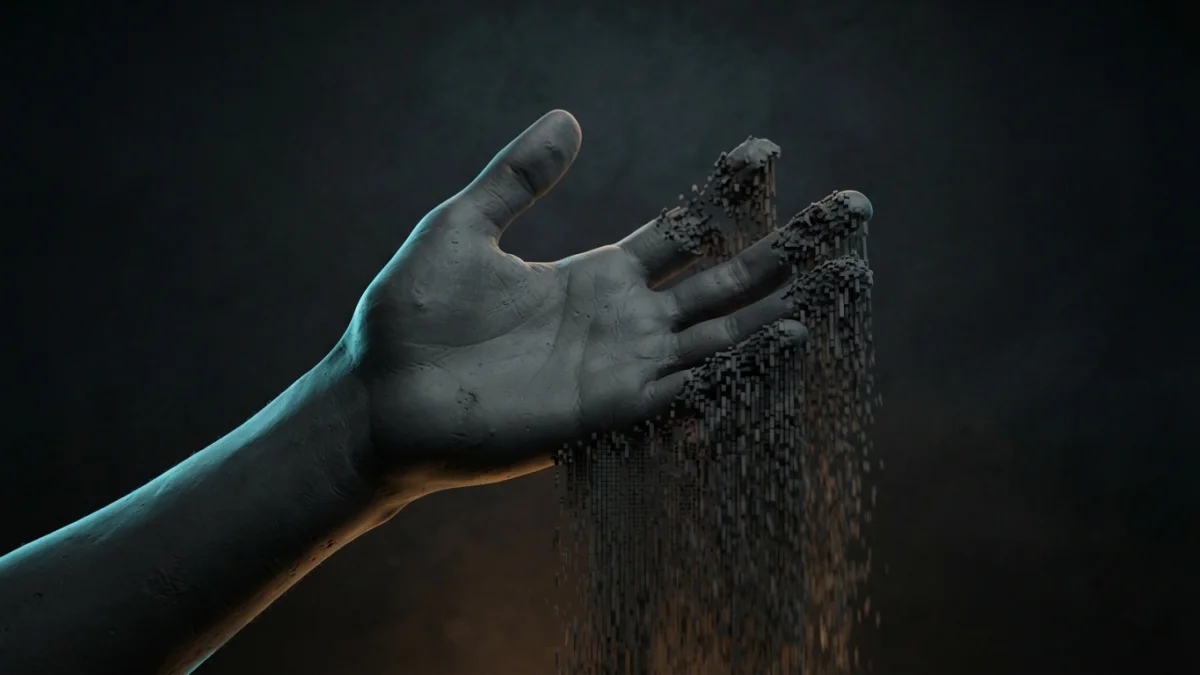
Image generated with AI.
You ask for a hand holding a mug and you get six fingers and no thumb. The fix guides say add negative tags and inpaint - but the cause is scale: a hand is counted, and the model is a good averager, not a counter. Here are the three levers and the check.
Six fingers and no thumb, where you asked for a hand holding a mug. The standard advice - negative tags, inpaint, switch models - works often enough that you never find out why AI image prompts for hands keep failing in the same place.
The problem is not that the model cannot draw a hand. It is how much of the frame you gave it. Prompts about hands are really prompts about size and counting, and once you see that, the fix stops being luck.
Why AI Image Prompts for Hands Fail: A Hand Is a Count, Not a Texture
A diffusion model does not visit your frame in pieces. It resolves the whole image inside one budget of attention, and that budget is spent where the picture is large. Silhouette, composition, light and color get everything they need, because they occupy most of the frame. A hand wrapped around a handle, a ring on a finger, the links of a chain, the small print on a label: these occupy almost nothing, and when the budget runs thin the model does the only thing it can. It interpolates a plausible average.
For texture, averaging is exactly right. Hair, grass, fabric weave, skin pores, distant foliage: all of them are statistical patterns, and the average of a pattern still looks like the pattern. Counting is different. A finger is not a texture, it is a discrete object with a number and a position, and the average of a hand is not a hand. It is four to six digits, no clear thumb, and the gaps between them fused into a smooth web.
The evidence points the same way. Research on detecting artifacts from text-to-image models finds that artifacts concentrate on human figures, cataloging them as distorted, missing or extra body parts that break typical anatomy. Work on restoring malformed hands lists the same failures - abnormal finger lengths, extra fingers, configurations that could not exist on a body - and fixes them with a dedicated pass, not with better wording.
The Test
Before you change a word of your prompt, run the cheap diagnostic. Open the image at 100 percent and look at the gaps between the fingers. If the light that should pass between two fingers has been filled in, you are looking at an averaging failure, and no amount of "highly detailed hands" will bring it back, because the pixels that carried that gap were never generated. The tell is always negative space: missing gaps, missing knuckles, a thumb on the wrong side.
Lever 1: Take the Hands Out of the Frame
The cheapest fix is to reduce how many countable structures are in the frame at all. If the job of the image is a face, an expression, an outfit or a brand mark, you can frame so that hands never enter, and the model never has to count anything. That mechanism is written into the catalog: the MJ Character Portrait Series uses an 85mm lens at f/1.8, which compresses the frame onto the face, and its expression field is where you place the performance. You are not fixing anatomy, you are removing the chance for the model to guess.
And "hands in pockets" is not the same thing: it asks the model to invent a hand inside a pocket, where it still has to average.
The Cost of the Cheap Lever
Lever 1 costs you action, and gesture is often the reason to shoot a person at all. It is the right answer only when the hands carry no information: a headshot, a catalog portrait, an avatar. The moment they do the work, you pay for them.
Lever 2: Make the Small Thing Big
If the hands matter, change their size in the frame. A shot where the hand occupies a third of the image gives the model enough pixels to resolve individual fingers; a full-body shot where the same hand occupies a sliver of the canvas never will, no matter how many adjectives you stack on top. You have two moves: change the shot so the hand is the subject, or crop in on it.
The catalog approach is a character sheet. The FLUX.2 Klein Anime Character Sheet returns three full-body views - front, side and back - and instructs the model to keep the design identical across the three poses. Because the figure is full body, the hands enter the frame three separate times and the views have to agree. That turns the sheet into a free hand test: if the hand shapes differ between views, the model resolved one and averaged the others. The consistency rule is in the prompt itself, so you check against the standard you paid for.
Why "Detailed Hands, Five Fingers" Often Fails
This is the phrase most people add, and it is not wrong, it is aimed at the wrong layer. It asks for quality where the model has no pixels to put quality. The prompt is fine; the framing is the problem. Fix the size first, then keep the sentence.
Lever 3: Say the Count and the State, Not the Quality
Once the hand is in frame and large enough, switch from adjectives to a description. "One hand, relaxed, fingers together" is a description. "Perfect hands, detailed hands" is a wish. The first tells the model what to place and where. Name the interaction with the object as well - "gripping the handle" - because the model resolves object and grip together, which gives it a target instead of a space to fill.
There is a third route, and it is the most reliable: change the render so counting stops mattering. The Flat vector cute characters set is a geometric minimal style with thick outlines on a clean white background. A simplified hand drawn as three thick shapes reads as a hand, and the averaging problem never arises. When the deliverable is a logo, an icon or a sticker, this is not a workaround, it is the correct lever.
The Trap of Fixing Anatomy
Correction has a hidden price. A study on anatomically plausible human image generation observes that pushing a model toward more correct anatomy can cost you the precise constraint you asked for, including a specific count or gesture. The anatomy improves and the instruction quietly fails. After any repair, verify what you actually wanted, not just the fingers: the ring on the correct hand, the gesture you described, the object held the way you wrote it.
The Pass the Prompt Cannot Do
Some cases are out of reach for text. A hand too small in the frame cannot be rescued by wording; that is a Lever 1 or Lever 2 problem. A hand that must be exact, with a specific ring or gesture, is faster to fix in a second pass than to reroll. Midjourney documents Vary Region, a region-based editing pass over an existing image. Treat it as a tool for one hand, not for a composition where the hand is a sliver of the canvas.
The Pre-Delivery Check
Keep the review countable, not aesthetic. Count the fingers and check which side the thumb is on. Look at the gaps, because a fused gap is the signature of averaging. Check teeth, jewelry and small text in the same pass, since they belong to the same class of structure. On a multi-view sheet, compare the hands across views and confirm they match, which is the rule the sheet prompt already asks for. None of this is taste: these are things you can count.
Three Prompts That Already Decide Where the Hands Go
Framing is not something you add at the end of a prompt; it is a property of the one you choose. These three take different positions on the same problem.
The Portrait That Avoids the Problem
The portrait series prompt uses an 85mm f/1.8 frame and an expression field, so the hands stay outside the composition and the model never counts anything. Lever 1, built in.
The Sheet That Exposes the Problem
The Klein anime character sheet puts the figure in frame three times and demands an identical design across the poses, so the hands appear three times and have to match. Lever 2, with its own quality check.
The Style Where Counting Does Not Matter
The flat vector character set renders four poses in a minimal geometric style with thick outlines, where a simplified hand still reads as a hand. Lever 3, chosen at the style level.
The prompt decides the framing, and the framing decides whether the hand is a detail or a defect. Pick the lever that matches the job: a clean portrait, a design sheet that has to hold up across views, or a mark that never needed fingers in the first place.
LikePrompts Editorial
Practical guides for getting the most out of AI prompts — written by the LikePrompts team.