Flux vs Midjourney: How to Prompt Each One Differently
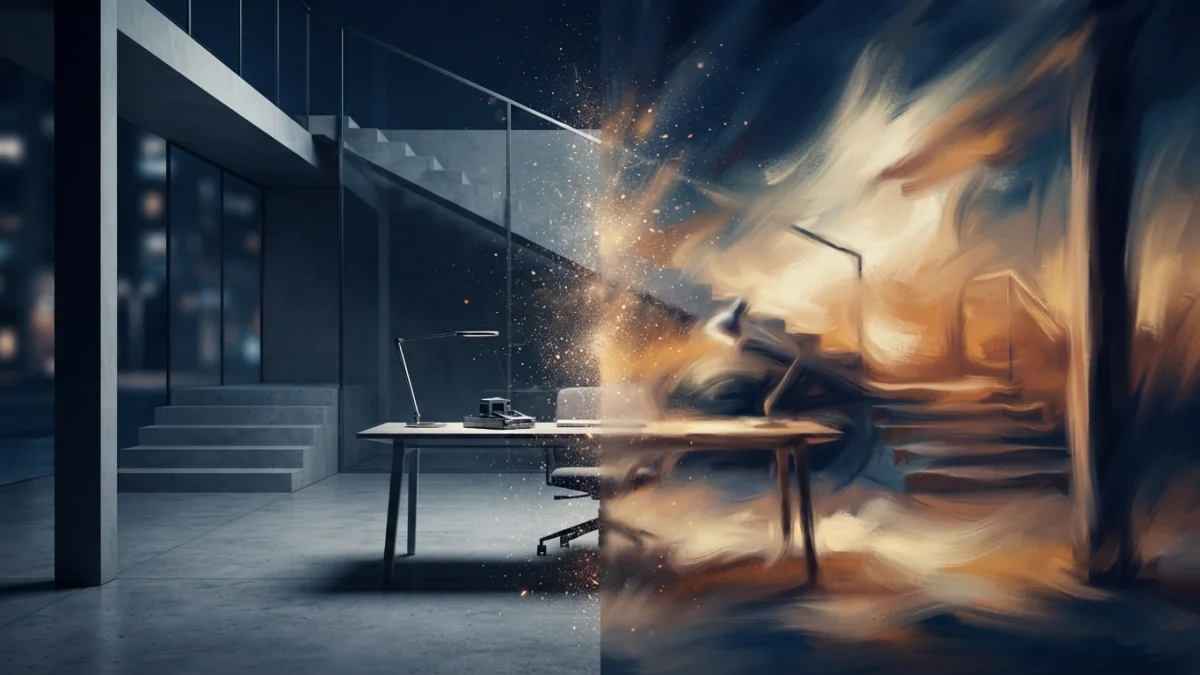
Image generated with AI.
Flux rewards long descriptive sentences. Midjourney answers to short prompts plus parameters. Learn the dialect of each model - with copy-paste prompts that get you the image you asked for.
Flux vs midjourney prompting comes down to one idea: the two models speak different dialects. Midjourney answers to short descriptions plus parameters. Flux answers to full sentences, like a scene direction. This guide teaches both - with examples you can copy.
Flux vs Midjourney Prompting: Two Models, Two Languages
Both models can produce stunning images. The difference is how they translate your words into pixels. Midjourney treats your prompt as a description plus a list of instructions: it applies a strong aesthetic filter by default and uses parameters to control the frame, the version, and the style. Flux treats your prompt as a specification: the more precisely you describe the scene, the light, the materials, and the composition, the closer the result is to what you actually asked for.
That single difference explains most of the frustration people feel when switching between them. A prompt written for Midjourney feels vague to Flux, and a prompt written for Flux feels overstuffed to Midjourney. Once you see why, writing for each model becomes a choice, not a guessing game.
How Midjourney Prompts Work
Short Description Plus Parameters
A Midjourney prompt has two parts: a short descriptive phrase, usually with commas separating the key elements, and a list of parameters at the end. The phrase says what you want to see. The parameters tell the model how to render it: aspect ratio, version, style mode, and anything else that shapes the output.
For example, the cinematic portrait golden hour prompt in the LikePrompts catalog follows this pattern exactly: a compact subject description plus --ar 4:5 --v 6 --style raw. The phrase sets the scene, and the parameters define the frame and the treatment. That is the whole dialect in one example.
The Parameters That Matter Most
The official Midjourney parameter list is long, but you only need a handful for most prompts. --ar sets the aspect ratio. --v selects the model version, and the catalog prompts use --v 6 or --v 6.1, the current release. --style raw turns off the automatic beautification, which is useful when you want the result to stay faithful to your description instead of being polished by the model. --no pushes the output away from unwanted elements. --seed anchors the starting point so you can explore variations of the same scene without starting over.
You do not need to use all of them every time. The habit that pays off is deciding which parameters matter for the shot: a wide landscape wants --ar 16:9, a portrait wants a vertical ratio, and a client piece that must match a reference wants --style raw plus a fixed seed.
Word Order Still Matters
Even with parameters, Midjourney weighs the beginning of the description more heavily. Put the subject first and the style adjectives after it. A prompt that starts with the camera angle and ends with the subject produces a different image than the same words in reverse order. Short phrases, commas, and a clear subject at the front are the safest structure.
How Flux Prompts Work
Full Sentences and Scene Direction
Flux reverses the formula. Instead of a compact phrase plus parameters, it rewards complete sentences that describe the scene the way a director would brief a set: what is in the frame, where the light comes from, what the materials look like, and how the composition is arranged. The official Black Forest Labs prompting guide makes the same point: natural language with concrete details produces the most literal results.
Because Flux has strong literal adherence, everything you write tends to appear in the image. That is a superpower when you want control and a trap when you write loosely. If you say "a chair," you get a chair exactly as described. If you forget to describe the background, you still get a background, but you did not choose it.
The flux cinematic movie still prompt in the store is a good example of the dialect: dense prose describing a cinematic scene, no parameters, no shorthand. Every sentence adds a constraint that the model follows.
Hex Colors and Precise Brand Control
Flux understands exact colors. You can write "in color #0047AB" or "using hex #FF6B35" and the output respects the value, which makes the model useful for brand work and design mockups. Midjourney leans on color words and style transfer; Flux accepts the code. When the client hands you a brand palette, Flux is the model that renders it faithfully.
No Negative Prompts - Describe What You Want
FLUX.2 does not support negative prompts. There is no equivalent of --no, so the rule is simple: describe what you want, never what you do not want. If you need an image without people, do not write "no people." Write a scene where people are absent: an empty street, a closed office, a beach with no footprints. This is the same principle covered in our guide to negative prompts for image models, applied to a model that cannot read them at all.
Structured and JSON Prompts for Complex Scenes
For complex scenes, the FLUX.2 family supports structured prompts: JSON objects or a subject-first hierarchy that separates the subject, the style, and the composition. The structured format helps the model break a complicated request into parts instead of blending everything into one sentence. It takes more effort to write, but for multi-subject scenes it is the difference between a controlled result and a lucky one.
Flux also excels at text rendering. If the image needs legible signage, packaging, or typography, Flux produces readable text more reliably than Midjourney. Keep that in mind when the output has to include words.
Same Idea, Two Dialects
Take the same idea: a cinematic portrait at golden hour. In Midjourney you would write a compact description and let the parameters handle the rest, the way the Midjourney interior design visualization prompt does for a completely different domain: subject, setting, mood, then parameters. In Flux you would write a full scene direction: the pose, the light direction, the lens feeling, the background, the color grade, all in prose.
Neither version is wrong. Each one is tuned to how its model thinks. The fastest way to learn the difference is to take one idea you know well and write it both ways, then compare where each model added or ignored detail.
Which One Should You Use?
Choose by what you need, not by hype. If you want polished aesthetics with little effort and you are comfortable thinking in parameters, Midjourney is the practical pick: subscription access, no setup, beautiful default style. If you need literal control, exact brand colors, legible text in the image, or local execution, Flux is the stronger option: open weights, more control, but it requires setup and a capable GPU.
The two also coexist well. A common workflow is to explore moods and compositions with Midjourney, then build the final controlled piece with Flux. Many creators run both and switch per project, because the cost of switching is just learning the dialect.
Copy-Paste Prompts From the Store
The fastest way to internalize both dialects is to work from examples. The LikePrompts catalog has ready-to-use prompts for each model: the flux cinematic movie still prompt shows the Flux scene-direction style, the cinematic portrait golden hour prompt shows the Midjourney description-plus-parameters pattern, and the Midjourney interior design visualization prompt proves the same pattern works across domains. Copy one, change the subject, and watch the dialect make sense.
Once you can hear the difference between the two languages, flux vs midjourney prompting stops being a debate about which model is better and becomes a practical skill: knowing which one to reach for, and how to ask it for exactly what you want.
LikePrompts Editorial
Practical guides for getting the most out of AI prompts — written by the LikePrompts team.