AI Prompts for Print on Demand: T-Shirts, Posters and Stickers That Survive the Press
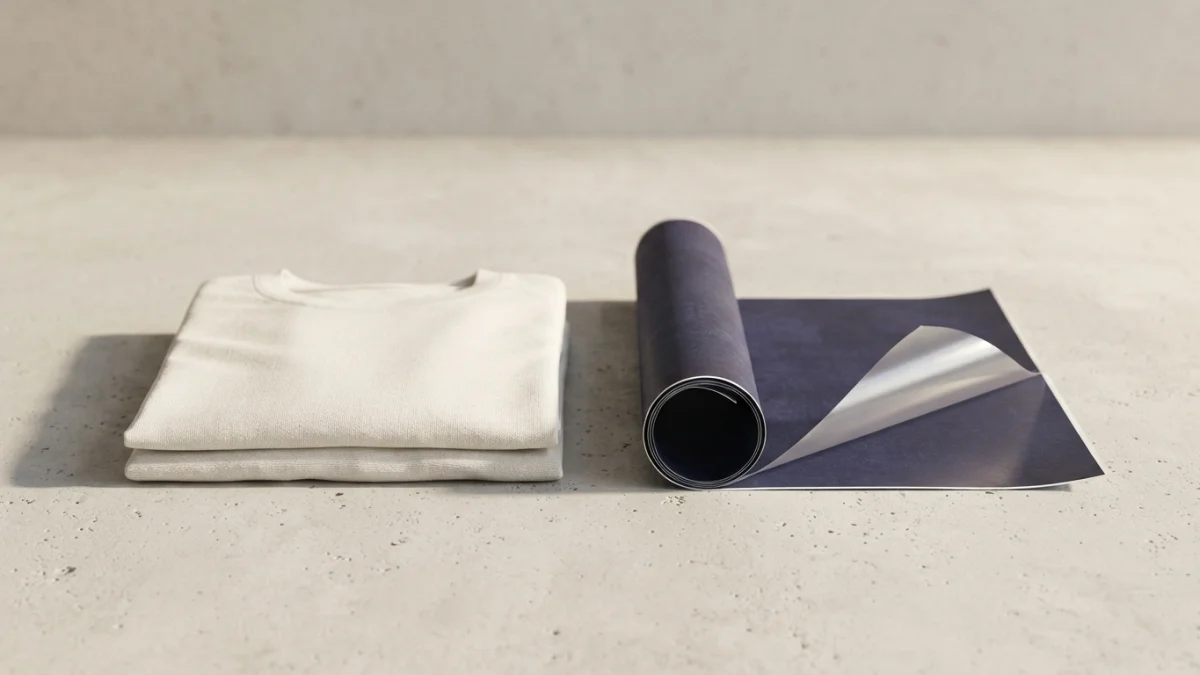
Image generated with AI.
A design that looks perfect on screen can still arrive as a blurry, speckled print. Here is the four-stage path - niche, locked style, print-ready file and honest listing - plus the file numbers a design has to hit before you upload.
The most expensive mistake in selling AI art is not a bad prompt. It is spending six hours generating designs and zero minutes looking at the file that gets uploaded. A graphic looks flawless on a phone screen and arrives as a blurry patch, with a white box behind it and a greasy halo on dark fabric. The design rarely fails because of the art. It fails because of the numbers: pixels per inch, the background, and the fine print of the listing. This guide gives a four-stage chain for AI prompts for print on demand - niche, locked style, print-ready file, honest listing - plus three real prompts from the catalog.
Why a Great-Looking AI Design Still Fails at the Press
Print failures are predictable, and all three causes are checkable before you upload anything.
Effective DPI Is Pixels Divided by Inches
Print quality is not decided by the DPI label stored in a file. It is decided by pixel count across the physical size you print: pixel width divided by print width in inches equals effective DPI. Run the math before choosing a product. An image 1024 pixels wide stretched over 12 inches lands near 85 DPI - soft and obviously digital. At 2048 pixels you get about 171 DPI. Hitting 300 DPI across 12 inches takes 3600 pixels of width. Decide the print size first, generate, then check.
The White Box Problem
Direct-to-garment printing reproduces exactly what is in the file. A white background becomes a white box printed around your graphic, and no press operator cleans it up for you. The file needs real transparency, and many generators do not export an alpha channel. The workable pattern: generate on a flat light background and cut it out yourself before uploading.
Dark Garments Punish Gradients
On dark fabric, DTG lays down a white base layer so the ink has something to sit on, and that base is unforgiving. Gradients, transparent shadows and ultra-fine detail let the underbase show through, and the print feels thick and plastic-like. In semi-transparent areas you get tiny white speckles that look like a defect but are a file problem. Fix it in the prompt: flat colors, clean edges, few tones, no gradients. Printful's guide to preparing a print-ready file is worth reading with your own artwork open beside it.
Pick the Niche Before You Write a Single Prompt
Identity + Interest, Not "Trending Designs"
The niche frameworks that hold up in 2026 use two axes. Identity is who the buyer is as a person: a profession, hobby or life stage. Interest is what they care about: humor, faith, pets, running, night shifts. A niche that sells crosses the two. A generic motivational quote belongs to nobody and competes with thousands of near-identical listings.
The Hard Truth About Most Listings
Most published designs never sell, and the reason is usually not the art. It is that the design does not speak to a specific buyer. Polishing the render is not the work. Choosing the buyer is the work.
Stage 1 - A Design Prompt Built for Print, Not for Likes
The Constraints That Make a Graphic Printable
Your prompt should impose production limits instead of adjectives. A print-oriented prompt fixes a maximum of three colors, a flat vector look, thick shapes that survive small prints, a centered composition, and explicitly forbids gradients and tiny detail. Those are exactly the conditions a DTG press wants: fewer tones and less fine detail mean a cleaner print and an underbase that behaves. Every constraint is a print problem you never have to debug later.
Ask for a Light-Gray Canvas You Can Knock Out
One detail worth copying: instead of asking for a transparent background, ask for the graphic centered on a light-gray background that is easy to cut away. Image models handle that far better. You are designing for the next step in the pipeline, not just the final image.
Stage 2 - Repeat the Winner Instead of Hunting New Ideas
Sticker Packs: One Character, Six Expressions
When a design sells, the cheap next move is the same universe in another format. A pack of six stickers with the same character in different poses keeps style, colors and proportions consistent and sells as a set instead of a single piece. In the prompt, character consistency outranks detail - say so explicitly or you get six unrelated mascots.
Posters: The Same Idea at 50x70 cm
Large-format prompts are built differently: gallery composition, subtle paper texture, negative space, no text, no watermark, no border, sized with framed prints in mind. The same theme regenerates across styles - minimal line art, watercolor, botanical, retro geometric - so changing the format changes the price without changing the niche.
Stage 3 - From PNG to a File the Printer Accepts
Upscale Before You Upload
The correct sequence is: approve at native resolution, use the model's upscaler, then run an external upscaler only if the final physical size demands it. Define the destination first - screen, A3, poster - because that sets how many pixels you need. The full method is in our post on consistent brand visuals with AI.
The Validation Gap
A file passing the upload validator is not the same as a file printing well, and that gap is where one-star reviews come from. Platforms differ: some set a floor of 150 DPI in the print area, others document 300 DPI, and at least one major marketplace demands exact pixel dimensions. Before scaling a catalog, print one physical piece - one dark garment, one light - and check transparency in the mockup.
Stage 4 - The Listing Has to Be Honest
Disclosure Is One Line, Not a Confession
Etsy requires sellers to disclose in the listing description when an item was created with AI, and seller-prompted AI creations are a recognized category under the Etsy creativity standards. Treat it as one factual line, not a marketing paragraph and not an apology.
A Pure AI Design Is Not Copyrightable - So Your Moat Is the Niche
Copyright practice keeps human authorship as the requirement. Output generated purely by a machine is not registrable, and a registration that includes AI-generated portions requires those portions to be disclosed and excluded. The commercial consequence is direct: if a pure AI file is not protectable, anyone can copy it. Your advantage is not the art. It is the niche, the audience and the listing around it.
Rules Differ by Marketplace
AI design policies change between platforms and have changed repeatedly. Some require disclosure at upload, some restrict whole categories, and near-duplicate listings get removed. Read each marketplace's rules before pushing the same catalog everywhere.
Three Real AI Prompts for Print on Demand You Can Run Today
These three cover the chain: generate the printable graphic, expand a winner into a set, and reuse the idea at a larger format.
The Print-Ready Graphic
T-Shirt Design Maker asks for a theme and a style - retro print, minimal line art, vintage badge, thick cartoon - then locks the constraints: three colors maximum, flat vector look, shapes that survive small prints, centered composition on a light-gray background easy to crop, no gradients, no tiny details. It is Stage 1 turned into a prompt.
The Volume Play
Sticker Pack Generator produces six stickers in a 2x3 grid with the same character in different expressions and poses, consistent across the set, thick outlines and bright flat colors on a clear background. It converts one design that worked into a bundle.
The Large-Format Sibling
Wall Art Poster Collection is a wall-art prompt with a selectable style - minimal line art, watercolor, textured abstract, botanical, retro geometric - and a soft palette, built to look good framed at 50x70 cm. Same niche, different format, different price.
All three follow the same pattern: start from a concrete theme, impose production limits on color, shape and background, and leave the file one step away from the press.
FAQ - Three Questions Before You Sell AI Designs
Can I sell AI-generated art? Yes, and on Etsy you also have to disclose it in the listing description.
How many pixels do I need? Enough to hit your platform's minimum DPI at the real print size. Divide pixel width by print width in inches before you upload.
Why does my design look blurry or speckled? Almost always insufficient resolution, a background that was never made transparent, or gradients printed on dark fabric.
Pick the niche before you write anything, keep the prompt full of production constraints, validate the file at the real print size, and write a listing that tells the buyer the truth. If you want the shortcut, start with the T-Shirt Design Maker prompt, then add the sticker pack once you know what sells. What you are selling is not the artwork. It is the file.
LikePrompts Editorial
Practical guides for getting the most out of AI prompts — written by the LikePrompts team.